
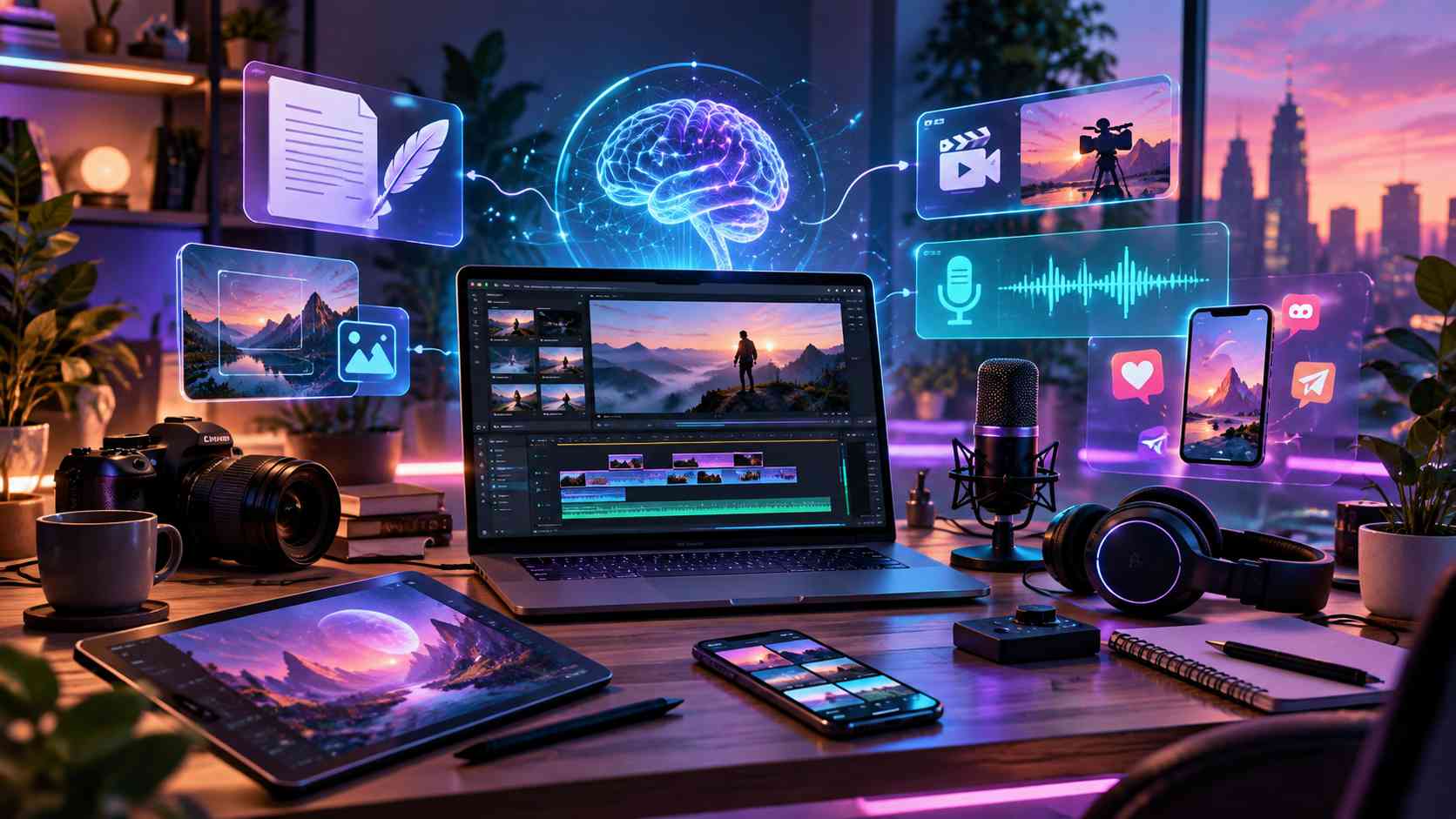
Today we are talking about the best AI tools for content creators in 2026.
Content creation has changed a lot in the last few years. Earlier, creators needed different software for writing, graphic design, video editing, voiceovers, research, thumbnails and social media content. Now, AI tools can handle many of these tasks much faster.
This does not mean AI can completely replace creativity. The best results still come when a creator adds personal ideas, experience and style. However, AI can save a huge amount of time and make everyday content creation much easier.
Whether you are a YouTuber, blogger, Instagram creator, freelancer, podcaster or digital marketer, here are some of the most useful AI tools you can use in 2026.
1. ChatGPT
ChatGPT is one of the most useful all-round AI tools for content creators.
You can use it for brainstorming new content ideas, creating blog outlines, improving scripts, writing captions, generating video concepts, researching topics and rewriting content in a simpler style.
It is especially useful when you already have an idea but do not know how to structure it properly.
ChatGPT can also generate and edit images from natural-language instructions, which makes it useful for creating visual concepts and other creative assets.
For YouTube creators, it can help with video titles, descriptions, hooks and scripts. Bloggers can use it for research and article planning, while social media creators can generate caption ideas and content calendars.
Best for: Writing, brainstorming, research, scripts and content planning.
2. Canva AI
Canva has always been popular among creators, but its AI tools have made the platform even more useful.
Canva’s Magic Studio combines several AI-powered creative features inside the Canva platform. Creators can use AI while working on designs, documents, images and other visual content. Canva has also introduced a conversational Canva AI experience for creating and editing content.
You can use Canva for YouTube thumbnails, Instagram posts, Pinterest graphics, presentations, banners, advertisements and website graphics.
It is particularly useful for people who do not have professional graphic-design experience.
Instead of learning complicated design software, creators can start with templates and customize them according to their brand.
Best for: Thumbnails, social media graphics, presentations and quick designs.
3. CapCut
Video editing is one of the most time-consuming parts of content creation, and CapCut has become a powerful option for making the process easier.
CapCut includes AI-assisted video editing, automatic captions, image tools, text-to-speech, video generation and other features designed for social media content.
It is especially useful for creators making Instagram Reels, YouTube Shorts and other short-form videos.
You can quickly add subtitles, transitions, music, effects and different aspect ratios without needing advanced editing knowledge.
For creators who publish videos regularly, CapCut can save a lot of editing time.
Best for: Reels, YouTube Shorts and fast video editing.
4. ElevenLabs
If you need realistic AI-generated voices, ElevenLabs is one of the most useful tools available for creators.
It can convert text into natural-sounding speech and provides a large collection of voices across many languages. ElevenLabs also provides voice cloning, dubbing and voice-design tools.
This can be useful for creators who do not want to record their own voice every time.
You can use AI voices for YouTube videos, explainer videos, advertisements, podcasts, educational content and storytelling.
However, creators should always use voice-cloning features responsibly and only clone a person’s voice when they have the appropriate permission.
Best for: AI voiceovers, narration, dubbing and multilingual content.
5. Midjourney
Midjourney is a popular choice for creators who want to generate creative and highly stylized AI images.
It can be used for concept art, social media visuals, blog graphics, backgrounds, poster concepts and thumbnail ideas.
Midjourney has continued improving its image-generation models. Its V8.2 model became the default version in July 2026 and focuses on improved aesthetics, image quality and personalization.
The quality of the final image still depends heavily on your prompt. Giving clear details about lighting, camera angle, subject, mood and visual style usually produces better results.
For creators who need unique visuals regularly, Midjourney can be an excellent addition to their workflow.
Best for: Creative AI images, concept art and cinematic visuals.
6. Adobe Firefly
Adobe Firefly is another powerful option for creators working with AI-generated images and videos.
Adobe is developing Firefly as an all-in-one creative AI environment where users can generate, edit and refine visual content. In 2026, Adobe also expanded Firefly’s image and video capabilities and introduced custom-model features for developing reusable visual styles.
This can be especially valuable for designers, freelancers and creators who already use Adobe products.
Firefly can help with visual ideas, backgrounds, creative variations and AI-assisted editing.
It is a good option when you want AI features to be part of a larger professional creative workflow.
Best for: Designers, image editing, visual content and creative workflows.
7. Runway
Runway is a powerful AI video-generation platform for creators who want to experiment with cinematic AI content.
Runway’s Gen-4.5 supports both text-to-video and image-to-video generation. It can follow detailed instructions involving camera movement, scenes, motion and visual composition.
This opens many possibilities for content creators.
You can create short cinematic scenes, product visuals, backgrounds, experimental videos, advertisements and creative sequences without filming everything traditionally.
AI-generated video still requires experimentation. A good prompt, strong reference image and several generations may be needed before getting the exact result you want.
Best for: AI video generation, cinematic clips and creative advertisements.
8. Descript
Descript is particularly useful for creators who work with podcasts, talking-head videos, interviews and educational content.
One of its biggest advantages is text-based editing. Descript can transcribe your content and allow you to edit audio or video through the transcript.
Its AI tools can also help remove filler words, improve audio, work with scripts and speed up other repetitive editing tasks.
This makes video editing feel more like editing a document.
For podcasters or YouTubers who regularly record long conversations, this can reduce the amount of time spent searching through timelines.
Best for: Podcasts, interviews, talking-head videos and transcript-based editing.
9. OpusClip
Creating one long video is useful, but turning that video into several short clips can help creators reach audiences on multiple platforms.
This is where OpusClip can help.
OpusClip is designed to turn longer videos into shorter social-media clips. It includes AI clipping, captions, reframing, B-roll, audio enhancement and other repurposing features.
For example, a creator could upload a podcast or a long YouTube video and create multiple short clips for Instagram Reels and YouTube Shorts.
Instead of manually finding every interesting moment, AI can help identify and prepare potential clips.
Creators should still review the final clips themselves because AI may not always choose the moment that best matches their audience.
Best for: Repurposing long videos into short-form content.
10. Grammarly
Good content is not only about having good ideas. Your writing also needs to be clear and easy to understand.
Grammarly can help improve grammar, spelling, sentence structure and tone.
Its AI writing features can also assist with brainstorming, outlines, rewriting and adjusting text for different tones or levels of formality.
It can be useful when writing blog posts, emails, video scripts, social media captions or client proposals.
Instead of letting AI write everything for you, Grammarly works particularly well as a final editing tool to make your own writing cleaner.
Best for: Grammar checking, proofreading and improving written content.
Final Thoughts
AI tools have become an important part of content creation in 2026.
Tools like ChatGPT, Canva, CapCut, ElevenLabs, Midjourney, Adobe Firefly, Runway, Descript, OpusClip and Grammarly can help creators work faster and experiment with ideas that may have required much more time or technical knowledge in the past.
However, the tool itself does not make content successful.
Your ideas, creativity, consistency and understanding of your audience still matter the most.
Use AI to handle repetitive work, explore new ideas and improve your workflow, but always add your own human touch before publishing.
That combination of human creativity and AI assistance is one of the best ways for content creators to create better content in 2026.